What to Include in a Client Deliverables Folder
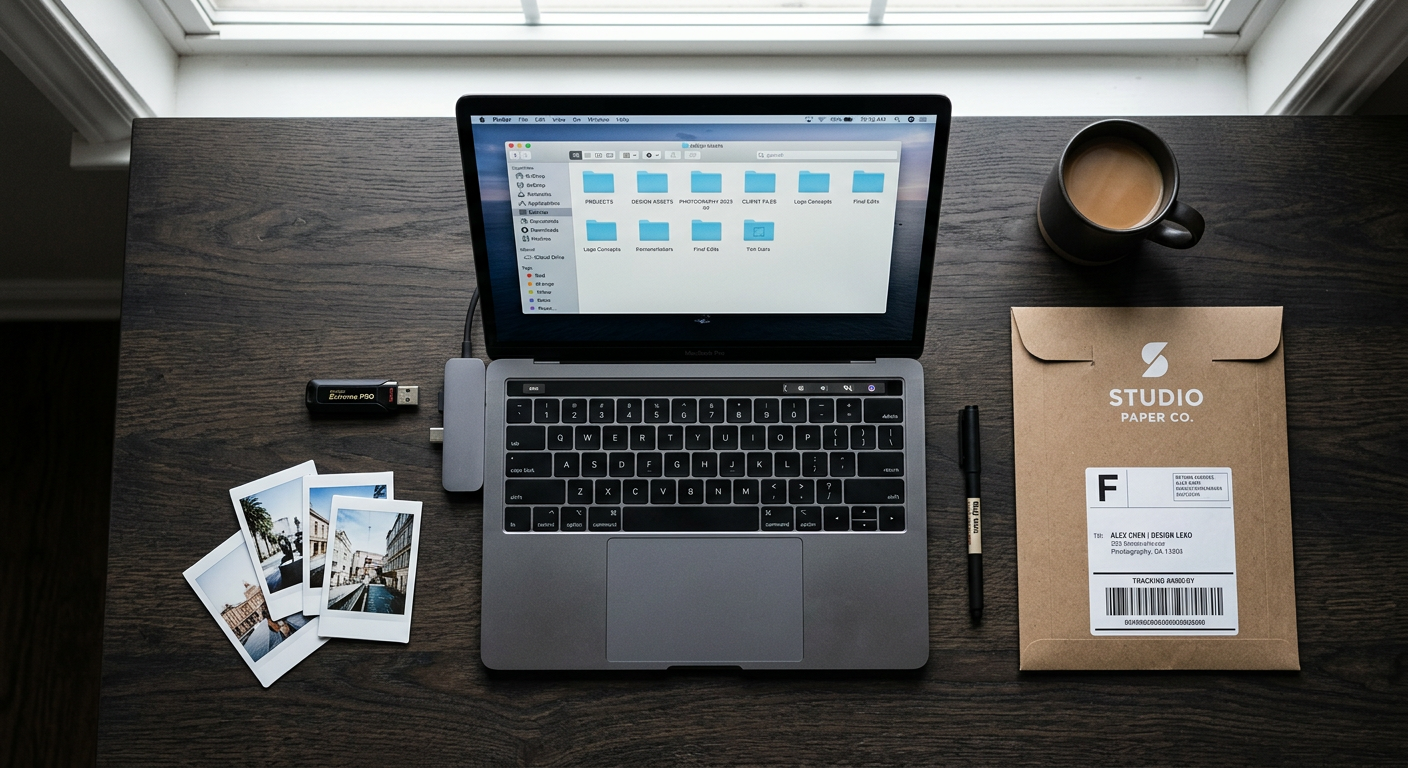
The final delivery is the last impression you leave with a client. A disorganized handoff — wrong file names, missing formats, unclear instructions — undoes the work you did on set and in post. A clean, well-organized delivery folder does the opposite: it makes a professional impression and reduces the number of follow-up emails you'll receive.
Here's what to include, and how to organize it.
The Core Deliverables
Every client delivery folder should contain the files that were explicitly agreed upon in your brief or contract. At minimum:
- Final edited files in the agreed format (JPEG, TIFF, MP4, MOV, etc.)
- Web-optimized versions if the client will use them online (smaller file size, sRGB color profile)
- Print-ready versions if applicable (TIFF or PDF, CMYK or high-res RGB)
If you're delivering video, include:
- Master file (highest quality, original codec)
- Compressed delivery file (H.264 or H.265 for web/social)
- Any platform-specific versions (square for Instagram, vertical for Stories/Reels, horizontal for YouTube)
How to Name Your Files
File naming is one of those things that seems trivial until a client emails you at 11pm asking which file is the final approved version.
Use a consistent naming convention:
- ClientCode-ProjectName-Description-Version.ext
For example:
- RMG-BrandShoot-HeroImage-FINAL.jpg
- RMG-BrandShoot-ProductVideo-v2-FINAL.mp4
Never use names like "final_FINAL_v3_USE THIS ONE.jpg". It happens to everyone. Put a system in place before it happens to you.
Folder Structure
Organize the delivery folder so a client can find what they need without calling you:
- RMG-BrandShoot-Delivery
- Photos / Web
- Photos / Print
- Videos / Master
- Videos / Social
- README.txt
The README.txt is underrated. A two-paragraph plain text file explaining what's in each folder, what format is best for which use, and who to contact with questions saves you hours of follow-up support.
What Else to Include
Beyond the core files, consider including:
Usage guidelines — if there are restrictions on how the images or videos can be used (exclusivity, time limits, geographic restrictions), put them in writing inside the delivery folder. Don't assume the client remembers what was in the contract.
Model and property release confirmation — a note confirming that releases are on file, and who to contact if they need copies. Clients sometimes need this for advertising submissions.
Color profile information — especially for print clients. Note whether files are sRGB or Adobe RGB, and what color profile was used during editing.
Gallery link — if you're delivering via an online gallery (Pic-Time, Shootproof, Google Drive, Frame.io), include the link and access instructions in the folder or in your delivery email.
The Delivery Email
The folder is only half of the handoff. The delivery email matters too. Keep it short:
- Confirm what's been delivered
- Note any important file information (color profiles, usage notes)
- Remind them of the revision process if applicable
- Include your invoice if it hasn't been sent
One email, all the information. No back-and-forth required.
After Delivery: Track It as Complete
Once the client confirms receipt and the invoice is paid, mark the project as complete in your project management system. Don't leave it sitting in "active" indefinitely — it clutters your dashboard and makes it harder to track what actually needs your attention.
But don't archive it immediately either. Keep the project accessible for 30–60 days after delivery in case the client has questions or needs additional files.
---
A clean client delivery isn't just about professionalism — it's about reducing the amount of time you spend on support after a project is technically done. The better your delivery system, the more time you have for the next shoot.
Crexels.io helps photographers, videographers, and creative studios track deliverables, manage client communications, and organize every project from first call to final delivery. Start free — no credit card required.
Ready to organize your productions?
Crexels.io is free to start — no credit card required.
Start Free Today