Best Project Management Tools for Photographers in 2026
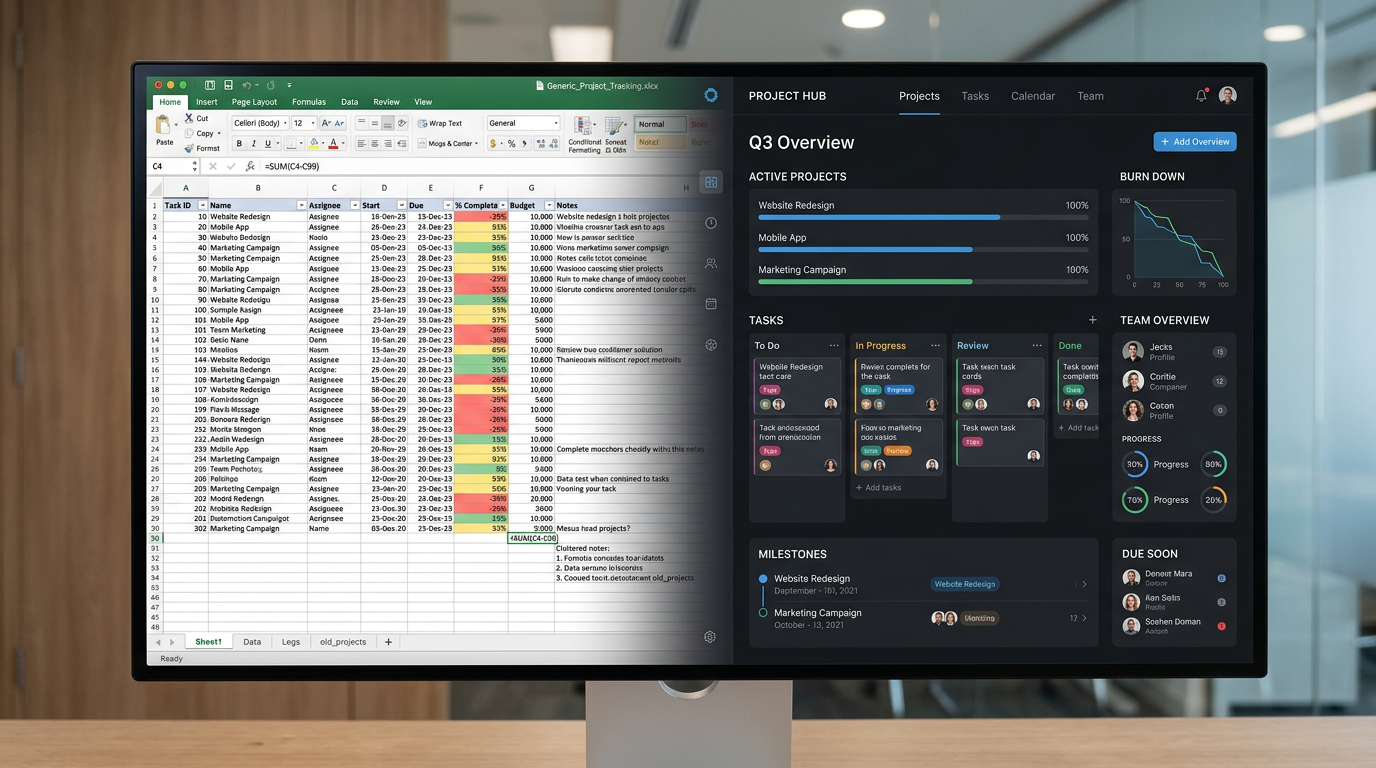
Over the years producing photo and video work, I tried to run it all with just about everything: Trello, Asana, spreadsheets, Word documents, even Apple Notes. Each one held a piece of the puzzle. The shoot date lived in one place, the crew list in another, the client's feedback buried in a text thread, the budget in a spreadsheet I had to go hunting for.
The result was that my information was scattered across so many apps that finding anything became its own job. Which cut did the client approve? What was the delivery deadline? I knew the answer existed somewhere. I just couldn't always find it.
The truth is these tools weren't built for us. They were built for marketing teams, software developers, and operations managers. They work fine for tracking generic tasks, but they have no concept of a shoot day, a crew roster, a vendor contract, or a client delivery deadline. You end up spending more time customizing the tool than actually running your production.
That is why I eventually built Crexels.io. But before I get to that, here's an honest comparison of the tools photographers and creative studios actually use, and what each one is good for.
1. Trello
Best for: Simple task tracking, solo photographers
Trello is a kanban board — you create cards and move them between columns. It's visual, easy to learn, and free for basic use.
The problem for photographers: There's no concept of a project with a shoot date, a crew, equipment, and a client. You'd have to build all of that from scratch using custom fields and power-ups. By the time you've set it up properly, you've spent hours configuring a tool that still doesn't fit your workflow.
Price: Free / $5 per user per month
---
2. Asana
Best for: Agencies with multiple team members managing non-production projects
Asana is more powerful than Trello — you get timelines, dependencies, and better reporting. It's genuinely good for managing a team's workload across multiple ongoing projects.
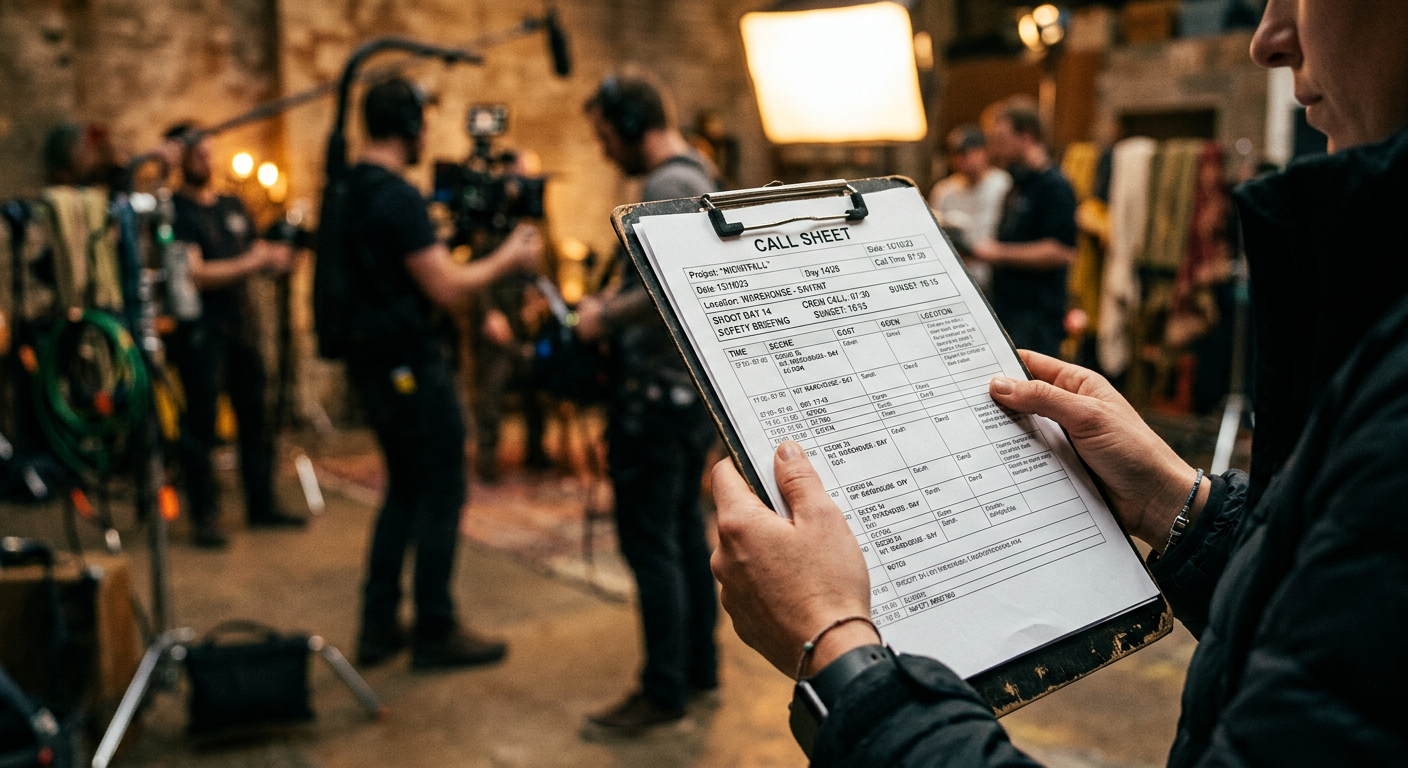
The problem for photographers: Same as Trello — it's generic. No shoot-specific features, no vendor management, no client share links. And at $10.99 per user per month, you're paying enterprise prices for a tool that doesn't know what a call sheet is.
Price: Free (limited) / $10.99 per user per month
---
3. StudioBinder
Best for: Film and TV productions with large crews and complex scheduling needs
StudioBinder is purpose-built for production — it has call sheets, shot lists, shooting schedules, and script breakdowns. If you're producing a feature film or a TV commercial with a 50-person crew, it's a serious tool.
The problem for photographers: It's designed for film production, not photography or content creation. The interface is complex, the learning curve is steep, and at $42–$99 per month, it's priced for production companies with budgets to match.
Price: $42–$99 per month
---
4. Notion
Best for: Photographers who enjoy building their own systems
Notion is a flexible workspace where you can build almost anything — databases, wikis, project trackers, client portals. Some photographers have built impressive production management systems inside Notion.
The problem: You have to build it yourself. Notion gives you the raw materials, not a finished product. If you enjoy that kind of setup work, it's powerful. If you just want to run your business, it's a time sink.
Price: Free / $8 per user per month
---
5. Crexels.io
Best for: Photographers, videographers, creative content creators, and agencies who want a purpose-built solution without the enterprise price tag
Crexels.io was built specifically for photo and video productions. Every feature maps to how a creative production actually works — Pre-Production, Shoot Day, Post-Production, Delivery.
Out of the box you get project tracking, production checklists, crew management, equipment lists, vendor directories, client share links, and an AI assistant for daily briefs and project summaries. No setup required, no customization needed.
Price: Free (up to 3 projects) / $9.99 per month for the Studio plan
---
What to Look For in a Photography Project Management Tool
When evaluating any tool for your studio, ask these questions:
- Does it understand shoot dates and delivery deadlines — or does it just track generic due dates?
- Can I manage crew and equipment per project — or do I have to build that from scratch?
- Can I share project status with clients — without giving them full access to my account?
- Does it scale with how I actually work — or will I outgrow it in six months?
The right tool isn't the most powerful one. It's the one that fits your workflow without requiring you to become a systems administrator to use it.
---
Crexels.io is free to try — no credit card required. Start your first project today.
Ready to organize your productions?
Crexels.io is free to start — no credit card required.
Start Free Today