How to Organize a Photo Shoot from Start to Finish
Every photo shoot has the same fundamental problem: too many moving parts, too many people, and too many details that can fall through the cracks if you don't have a system.
After 30+ years producing photo and video projects — commercials, branded content, corporate, editorial — I've learned that the shoot itself is rarely where things go wrong. It's the week before and the week after that make or break a production.
Here's the system that works.
1. Lock the Brief Before Anything Else
Before you book a single vendor or send a single email, get the brief in writing. This means:
- What is being shot — products, people, locations, lifestyle
- Who the audience is — brand deck, mood board, reference images
- What the deliverables are — number of finals, formats, sizes, file types
- What the deadline is — not just delivery, but client review rounds
A shoot without a locked brief is a shoot that will get revised three times after delivery. Lock it first.
2. Build Your Pre-Production Checklist
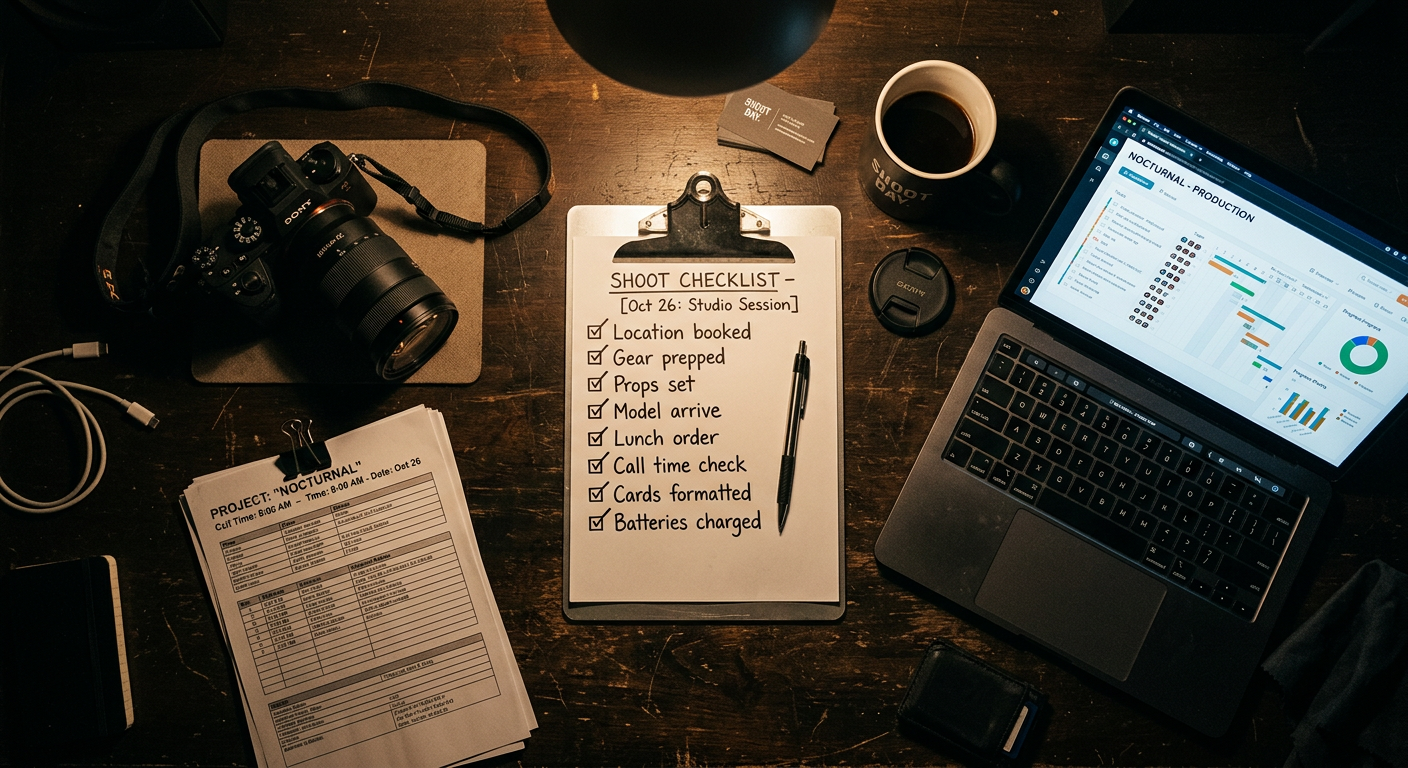
Pre-production is where shoots are won or lost. Your checklist should cover:
- Location confirmed and permitted
- Talent booked and contracts signed
- Crew confirmed with call times
- Equipment list finalized and rented
- Shot list approved by client
- Travel and parking arranged
- Catering or craft services confirmed
- Weather backup plan (for outdoor shoots)
Use a project management tool to track each item with a status — not a spreadsheet that nobody updates. Crexels.io has pre-built production checklists for photo shoots so you don't have to start from scratch.
3. Organize Your Crew in One Place
Your crew list should be accessible to everyone who needs it, without you forwarding emails all day. At minimum, each crew member entry should have:
- Full name and role
- Mobile number
- Call time and location
- Any special notes ("park on the street, not the lot")
Import your crew list from Excel or Word if you have it — don't retype everything manually.
4. Track Your Equipment Per Project
Equipment tracking is the thing most photographers do in their head until the day they forget a battery charger on a corporate shoot three hours from home.
Keep an equipment list tied to each project, not just a master gear list. You want to know exactly what's going on that specific shoot — rented, owned, borrowed — with notes like "rented from Samy's Camera" or "return by Friday."
5. Keep Your Vendor Contacts Attached to the Project
Your location contact, your rental house rep, your catering vendor — these should all be stored inside the project, not scattered across your email inbox and phone contacts.
When the client asks "who did we use for the drone on the last shoot?" you want to find that in ten seconds, not thirty minutes.
6. Set Up a Client Share Link Before Shoot Day
Your client should never have to email you asking for an update. Before shoot day, set up a read-only project link they can check themselves — shoot date, location, shot list, delivery timeline.
This eliminates a surprising number of unnecessary check-in calls.
7. Run Your Post-Production Checklist
After the shoot, the work isn't done. Your post-production checklist should include:
- Selects culled and backed up
- Client rough cut or gallery delivered
- First round of revisions received
- Final retouching or color grade complete
- Files exported in all required formats
- Final delivery confirmed by client
- Invoice sent
Don't skip the last two. "Delivered" and "paid" are different milestones.
8. Archive the Project When It's Done
When the project is complete, archive it — but don't delete it. Three months from now your client will ask for a file, a vendor contact, or a reference image from that shoot. Keep it accessible.
---
A well-organized photo shoot isn't about perfection on the day. It's about building a system that handles the details automatically so you can focus on the creative work.
Crexels.io was built to be that system — production management software designed specifically for photographers, videographers, and creative studios.
Ready to organize your productions?
Crexels.io is free to start — no credit card required.
Start Free Today