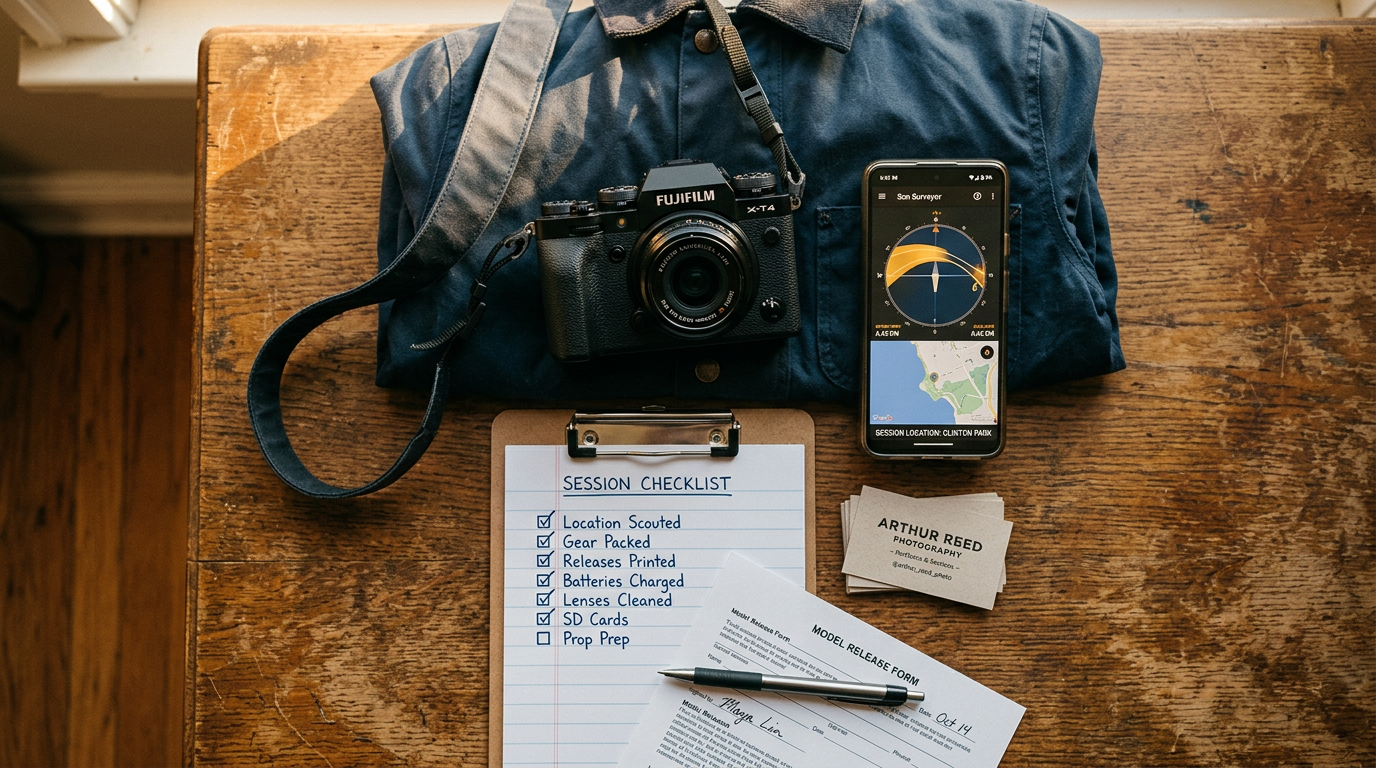
How I Start My Day With Crexels.io's Daily Brief
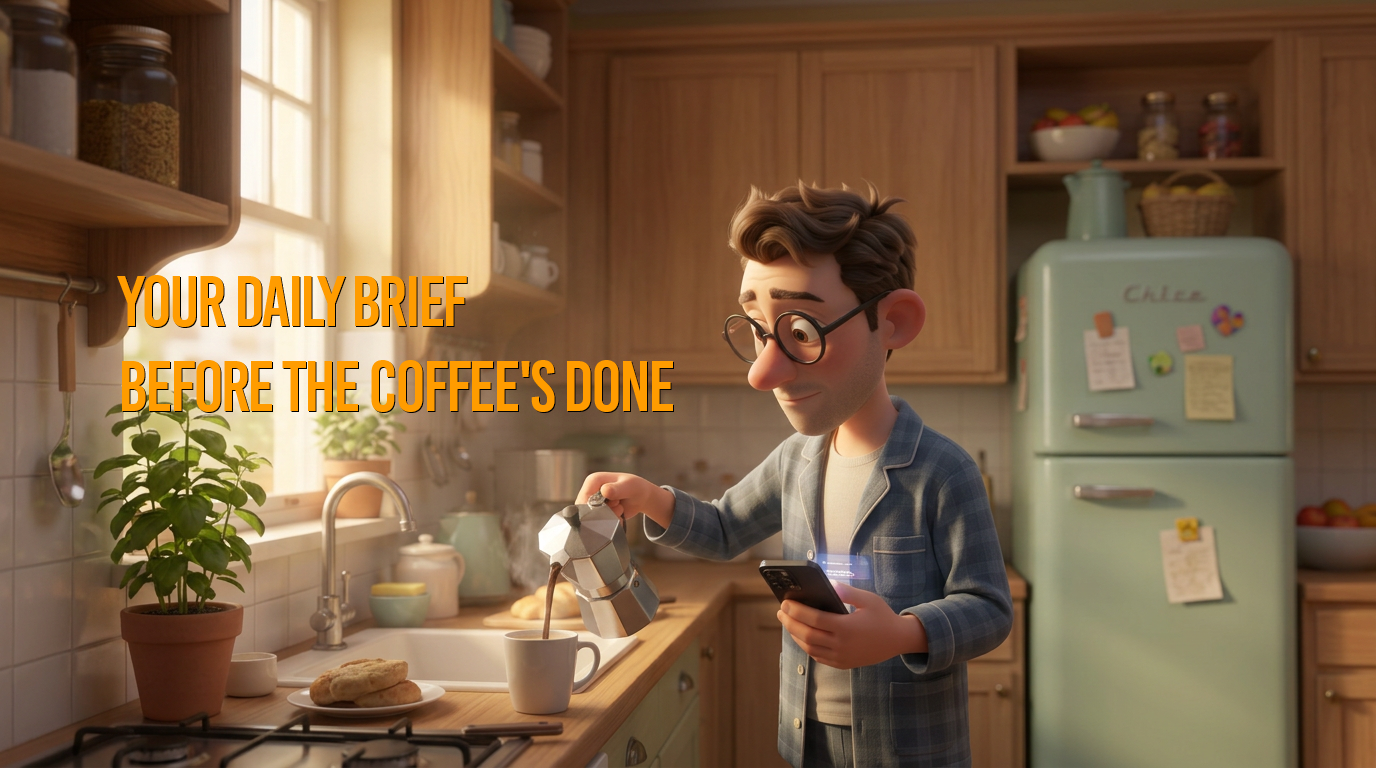
Before the coffee is done, I already know where every project stands.
Twenty years of running productions taught me that the first ten minutes of the day decide the rest of it. Used to be those ten minutes were five open tabs and a scroll through group texts, trying to remember which client was waiting on what before I'd even had caffeine. Now it's a voice reading me the Daily Brief while I measure grounds into the moka pot, and by the time the coffee's in the cup, I already know where the day needs to start.
Watch the full video (0:22)
One scroll's worth of everything pending
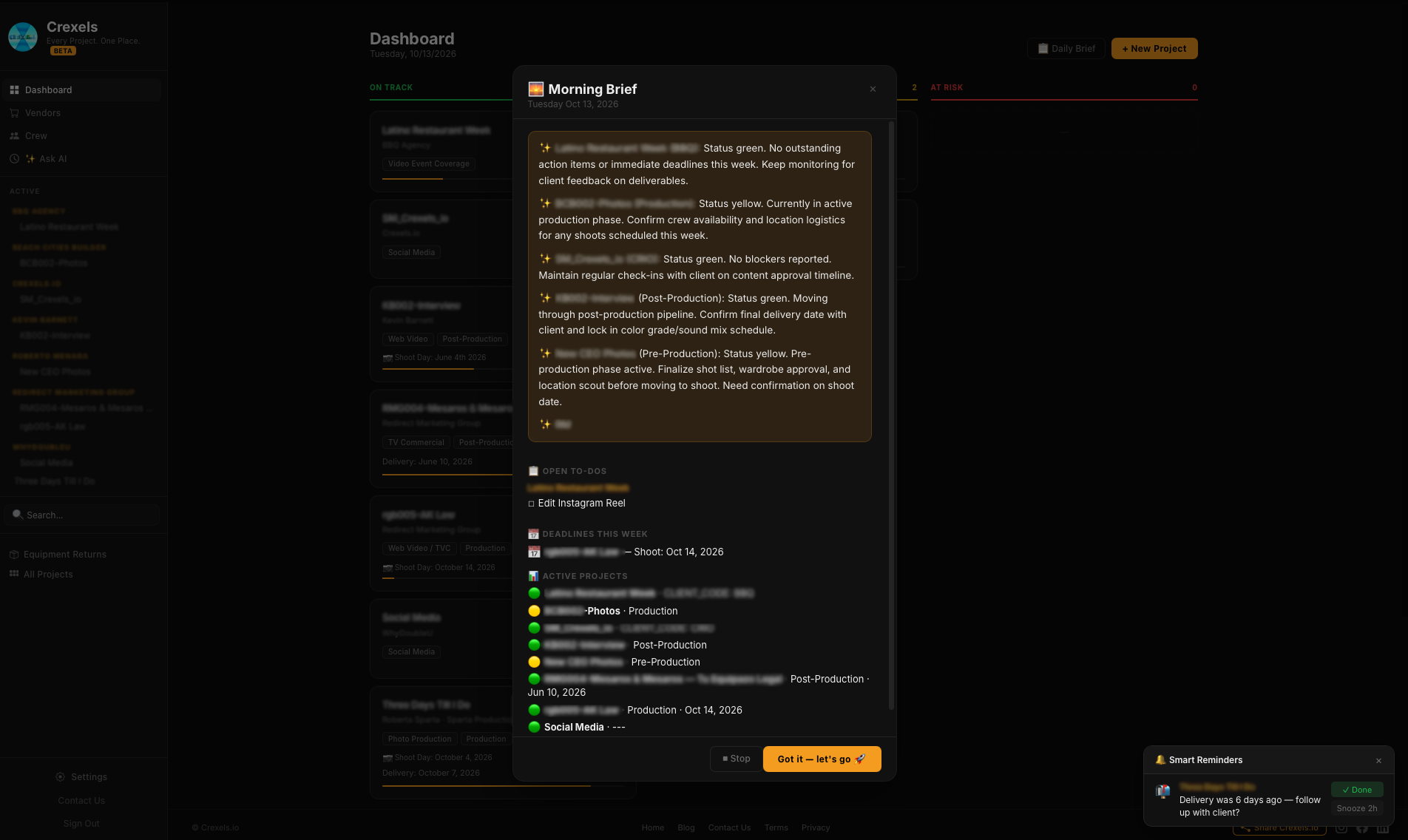
The Daily Brief is a single card, built fresh every morning, that sums up every active project in a few lines each. No digging through five different project pages to remember what's moving and what's stuck. Confirm client approval on final assets. Lock a delivery schedule that hasn't been set yet. Check for outstanding location permits before the crew is locked for the week. It's the version of "catching up" that used to take me twenty minutes with coffee in hand, down to the time it takes to pour it.
It reads it to you
This is the part that actually changed my mornings: I don't have to look at anything. Crexels.io reads the brief out loud while my hands are on the kettle or the pot, not the phone. Measuring coffee, pouring water, waiting for it to brew, all of it happens while I'm hearing the status instead of scrolling for it. By the time I sit down with the cup, I've already heard what needs a call today and what can wait, and I haven't lost a single one of those ten minutes to a screen.
Project by project, not just a notification badge
A badge that says "you have updates" doesn't tell you anything. The Daily Brief goes project by project; each one gets its own status and its own flag. Green means on track, confirm what's already moving and keep going. Yellow means something needs attention this week, a shoot date to confirm, a crew member to lock in, a release form still outstanding. Post-production gets its own line too: where the edit stands, whether color or sound notes are waiting, what delivery date to flag for the client. Four projects, four honest answers, not one generic "all caught up."
---
The best mornings aren't the ones where nothing goes wrong. They're the ones where you already know what's going wrong before you've had your first sip.
Crexels.io is production management built for photographers, videographers, and small creative studios, so every project's status is one brief away instead of five open tabs. Free to start, no credit card required.
Ready to organize your productions?
Crexels.io is free to start — no credit card required.
Start Free Today